
The newsletter subscription form built with our Woocommerce module provides a native honeypot antispam protection, that automatically identified and block information that are not sent by humans. It is however possible and strongly recommended to further protect your form using reCpatcha v3.
This tutorial will explain how to implement reCaptcha v3 for your newsletter subscription form with in Woocommerce
1. Generate reCaptcha keys
You first need to configure your website on a reCaptcha account (a google account works).
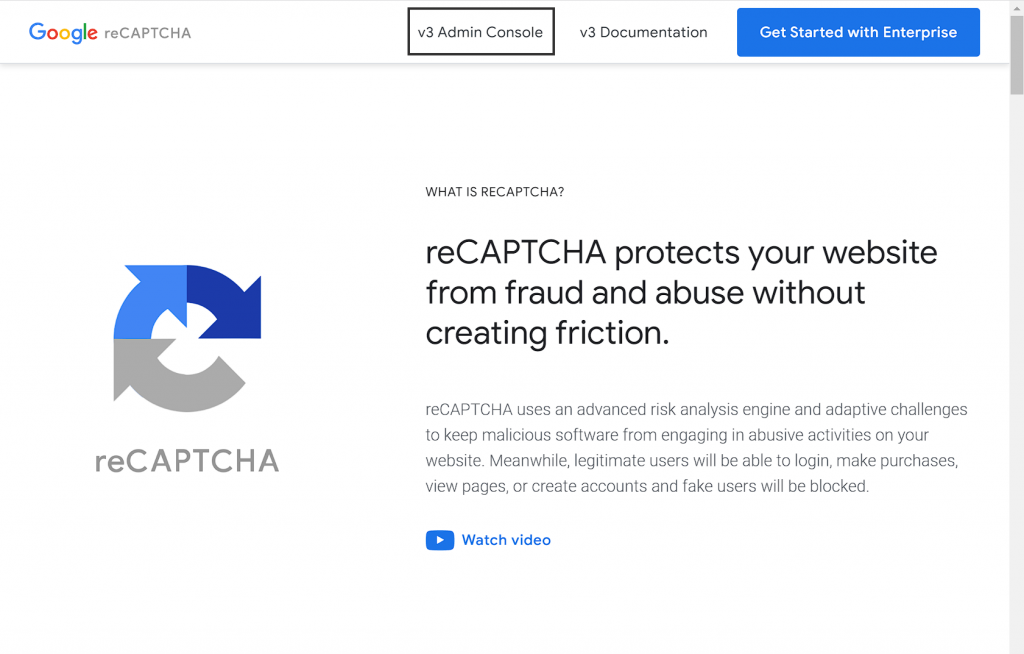
- Go to reCaptcha’s webpage and click on v3 Admin Console.
- The website configuration form will automatically display if no website is set on this account. Fill it up as follows :
- Label : Fill with the name of your website.
- reCaptcha type : select the option Score based (v3) (our Woocommerce module is not reCaptcha v2 compatible)
- Domain : Fill with the domain of your website. It must not contain ‘hptps://www.’
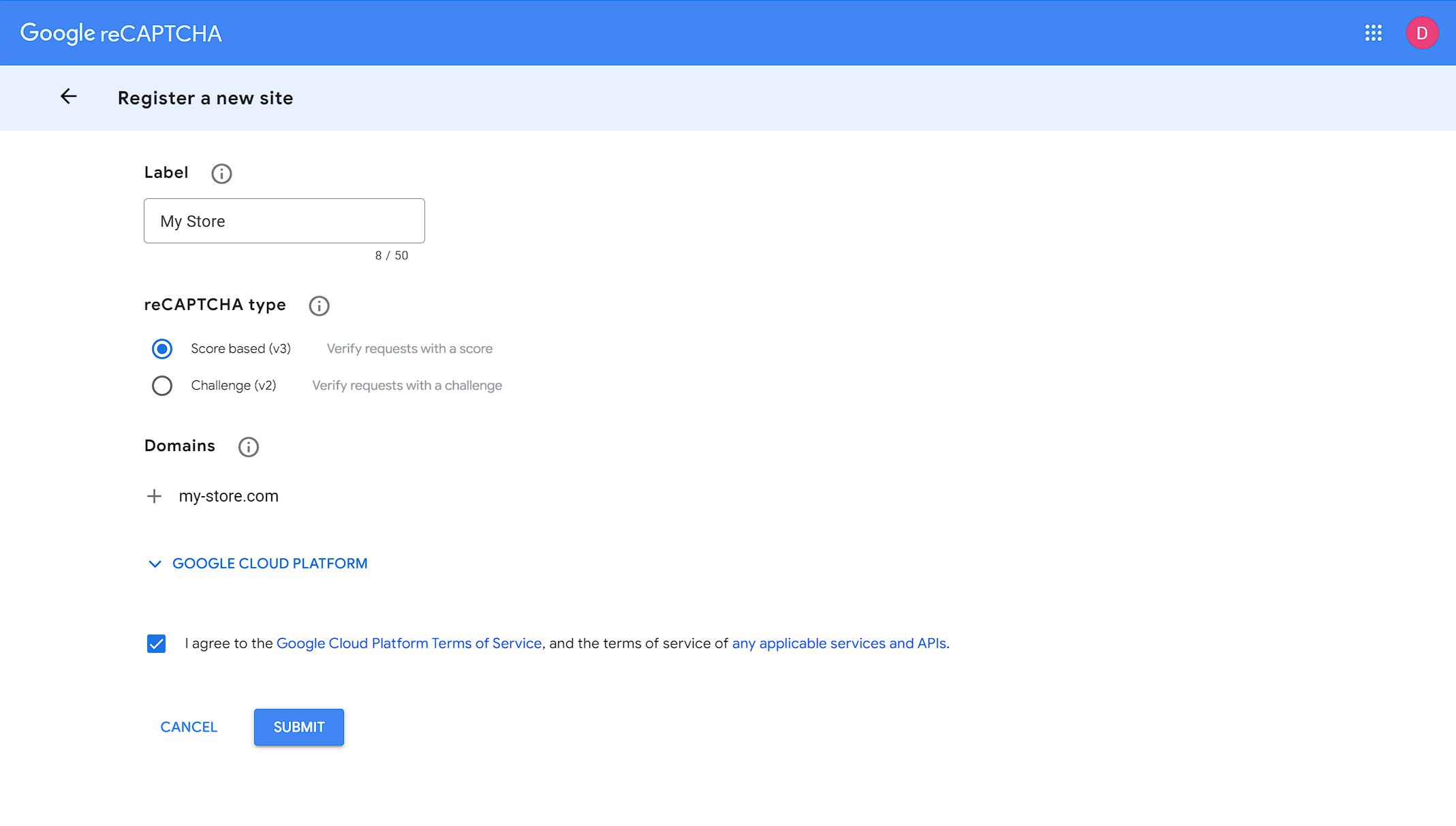
- Click on Submit to validate.
- After a short waiting time, two keys will be provided : the Site key and the Secret key. You will need both keys to configure reCaptcha in Woocommerce.
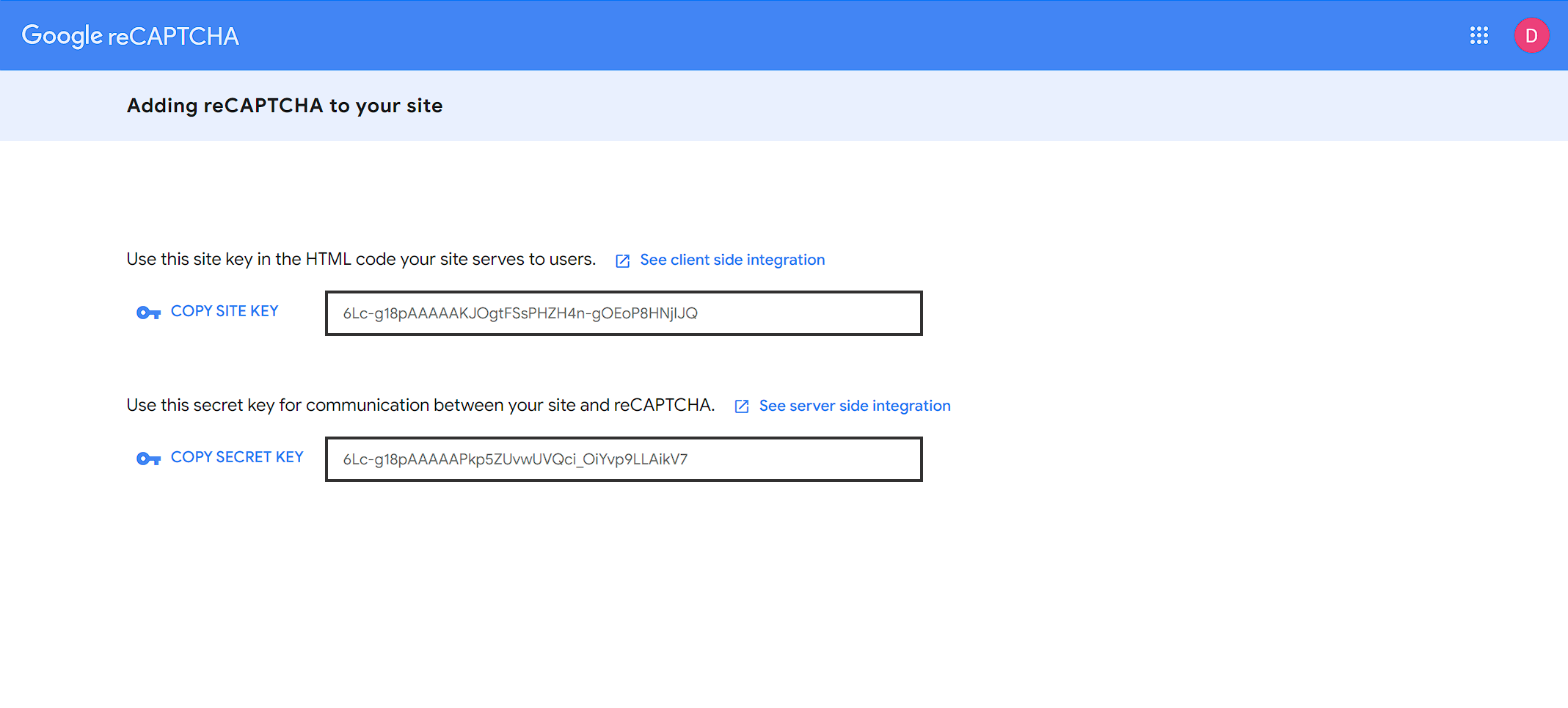
If your website is already setup in reCaptcha, access your administration interface and click on Parameters. You will get the information of your website, and the Site key and Secret key are provided under reCaptcha keys.
2. Configure reCaptcha in your Optin module
- In your WordPress administration pannel, access Probance > Optin.
- In the Newsletter section check the Add reCAPTCHA v3 option.
- The fields Site key and Secret key will display : fill them with the key provided by reCaptcha.
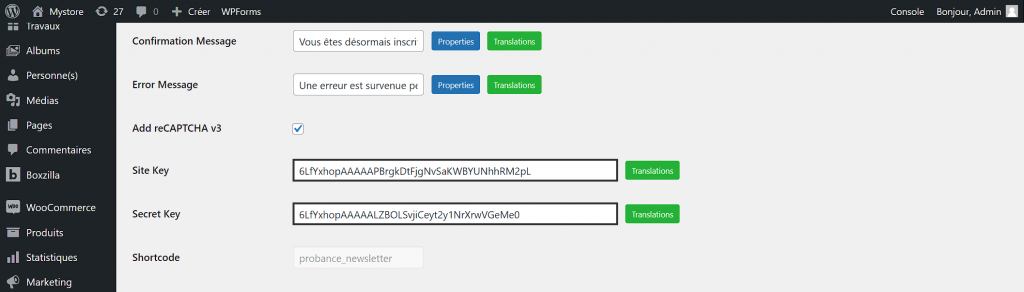
- Save your modifications to apply reCaptcha v3 to your form.